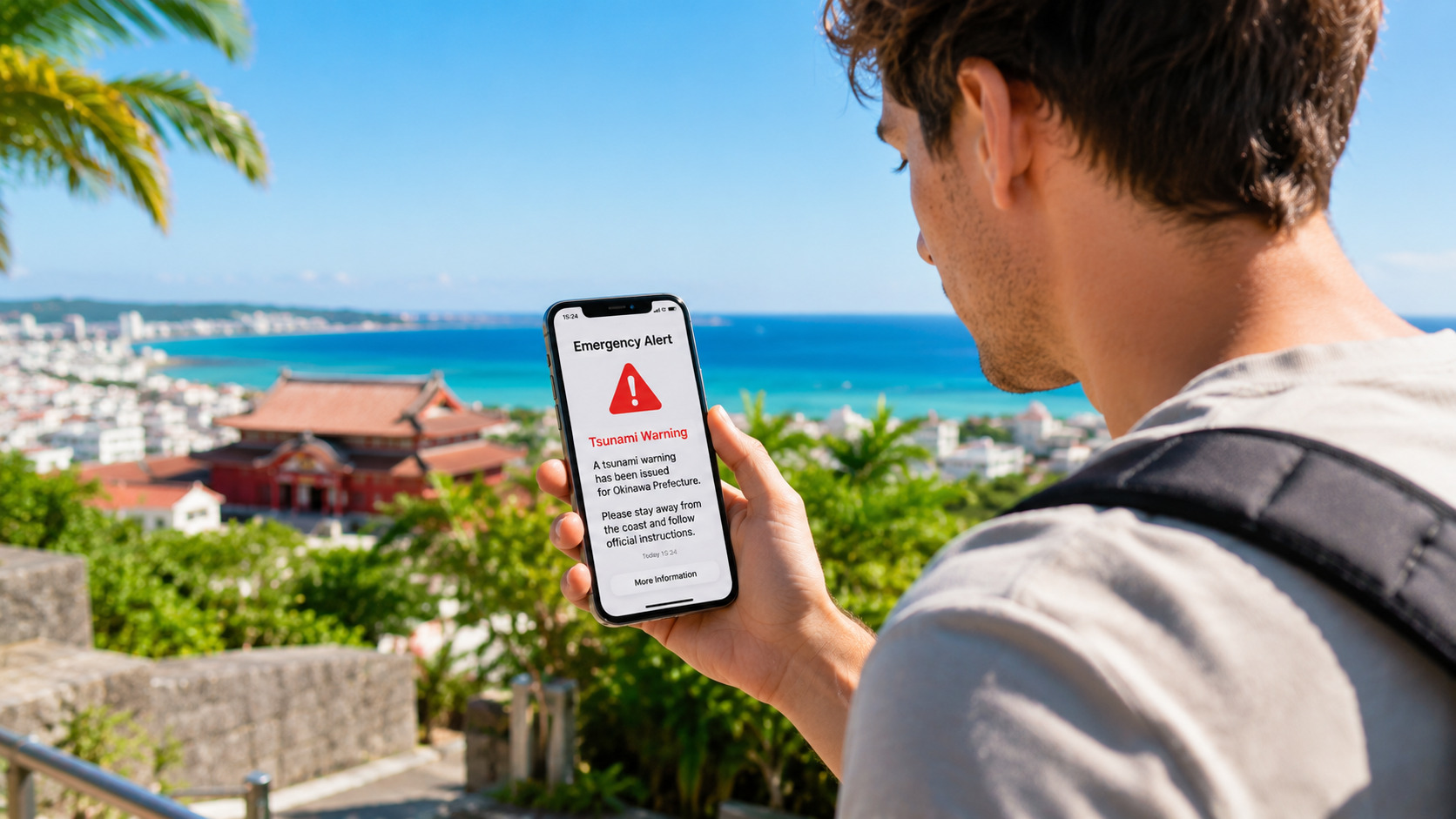
A Simple Guide for Travelers in Okinawa
Quick Answer
Emergency alerts may reach foreign travelers. But you should prepare as if they may not reach you. This is the safest way for first-time visitors.
Why Alerts May Reach You
Japan uses a system called Cell Broadcast. It sends alerts to all phones in the area. It does not depend on your SIM card. But it does not work on every device.
Why Alerts May Not Reach You
Many travelers do not receive alerts. This can happen for several reasons.
- Airplane mode
- WiFi-only device
- Alerts turned OFF
- Old phone
- Weak signal
This is why preparation is important.
The Best Solution: Install Safety tips
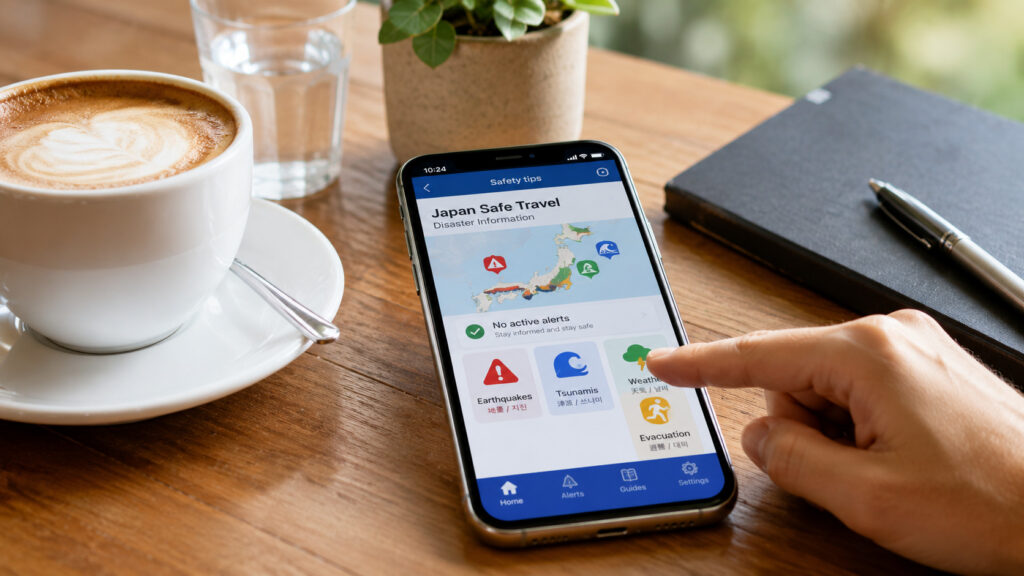
Conclusion: This app is the safest backup.
Safety tips (official travel safety app provided by the Japan Tourism Agency) This app sends alerts in many languages. It sends alerts through an internet connection, so it also works on WiFi-only devices. It helps you stay safe even if your phone does not receive alerts.
You will receive:
- Earthquake alerts
- Tsunami alerts
- Weather warnings
- Volcano information
Check Your Phone Settings
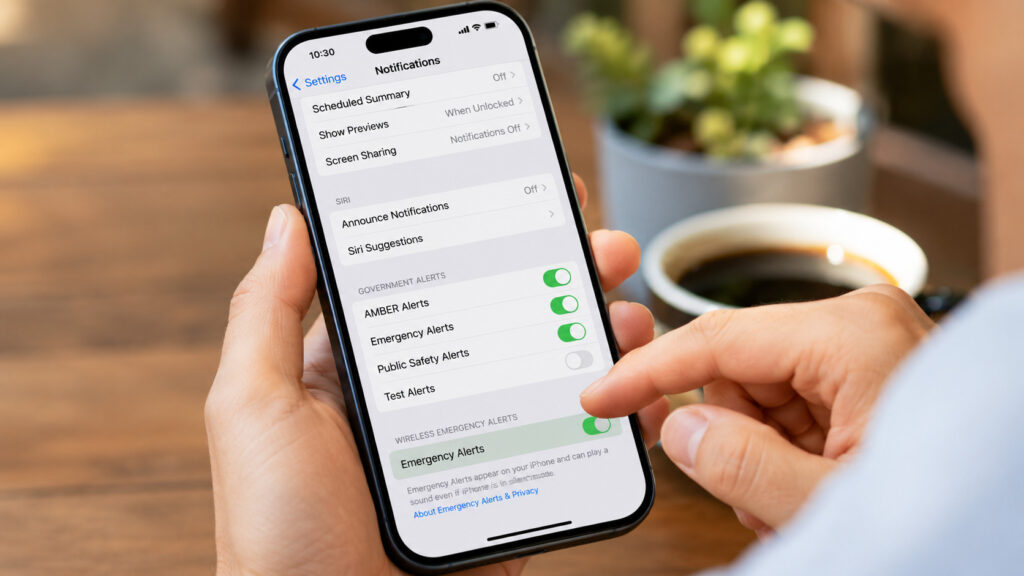
Conclusion: Turn on alerts to increase your chance of receiving them.
iPhone
Settings → Notifications → Government Alerts
Android
Settings → Safety & emergency → Wireless emergency alerts
Other Helpful Steps
- Turn on roaming
- Learn how to share your location on Google Maps
- Save 110 / 119 / 118 in your phone
- Save the Japan Visitor Hotline
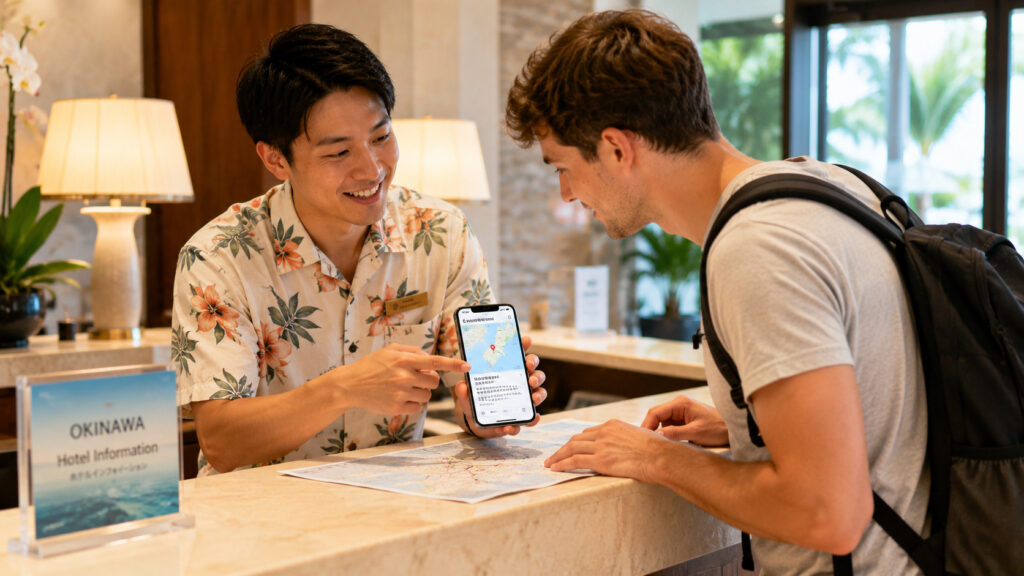
- Tell your hotel: “Please inform me in an emergency.”
What to Do If You Do Not Receive Alerts
- Watch how people around you react
- Listen to announcements in hotels or shops
- Ask staff: “What happened?”
- Enter a shop and ask: “Is this an emergency?”
- Move to higher ground if you are near the sea
- Call 119 for medical or fire emergencies
- Call 118 for sea emergencies
People in Japan often react quickly to emergency warnings, so their actions are a helpful guide for you.
Common Situations for Travelers
Case 1 Everyone’s phone rings, but yours does not. → Follow the people around you.
Case 2 Your phone shows Japanese only. → Ask hotel staff for help.
Case 3 You hear outdoor sirens. → Move away from the beach and go to higher ground.
Case 4 You are driving when an alert appears. → Slow down safely, pull over when it is safe to do so, and check the situation. Avoid stopping on highways or under bridges.
What Emergency Alerts Look Like
Note: Many phones make a loud alert sound even in Silent Mode. This can surprise you, but it is normal.
You may see large Japanese text such as:
- 緊急地震速報 (Earthquake Alert)
- 大津波警報 / 津波警報 (Tsunami Warning)
- 避難指示 (Evacuation Order)
These messages mean you should act now.
When You Return to Your Hotel
If you received an alert while sightseeing, tell the staff:
“I received an alert. Is everything OK now?”
They will explain the situation. They can also tell you if it is safe to continue your trip.
FAQ
Q. Will alerts appear in English? A. Not always. Some alerts show only Japanese. If you see a large pop-up, treat it as a warning.
Q. The alert sound was very loud. Can I turn it off? A. On many phones, pressing the power button, a volume button, or tapping the screen will silence the alert. Then read the message.
Q. My phone is on Silent Mode. Will alerts still make a sound? A. Usually yes. Many phones play a loud alert even in Silent Mode.
Q. Should I trust my phone or the people around me? A. Both. If people start evacuating, follow them even if your phone is silent.
Q. Alerts are scary. Is this normal? A. Yes. Many travelers feel the same. The loud sound is designed to protect you.
Q. Will alerts reach WiFi-only devices? A. Cell Broadcast will not reach them. But Safety tips will send alerts through WiFi.
Q. What if I miss an alert? A. Watch the people around you. They often react quickly to emergency warnings.
Quiet Okinawa Recommendation
Even if your phone stays silent, the people around you can guide you. Sometimes local people react before your phone does. If people start moving quickly, follow them first. You can understand the details later.
Summary
- Alerts may reach foreign travelers
- But prepare as if they may not
- Install Safety tips as a backup
- Turn on alert settings
- Ask for help with “English, please!”
- Call 119 or 118 if needed
- Follow the people around you
- Trust hotel staff for guidance
- Stay calm and follow local instructions
Related Guides
👉 Okinawa Travel Guide for First-Time Visitors
👉 Do You Need a Car in Okinawa? (A Local’s Honest Advice)
👉 How Much Time Do You Need in Okinawa?
👉 Why Your Last Day in Okinawa Feels Better With Extra Airport Time

コメント