- 0. Conclusion: Hotel WiFi in Okinawa Works, but It Often Gets Slow at Night
- 1. Why Hotel WiFi Feels Slow in Okinawa
- 2. Real Situations You May Experience
- 3. Simple Ways to Improve Your Hotel WiFi
- 4. Common Misunderstandings About Hotel WiFi
- 5. Do Not Rely Only on Hotel WiFi
- 6. Slow WiFi Is Not Only Your Room
- 7. Useful Things to Do When WiFi Is Slow at Night
- 8. Summary: Hotel WiFi Works, but It Is Not Perfect
- Helpful Guides for Your Trip
0. Conclusion: Hotel WiFi in Okinawa Works, but It Often Gets Slow at Night
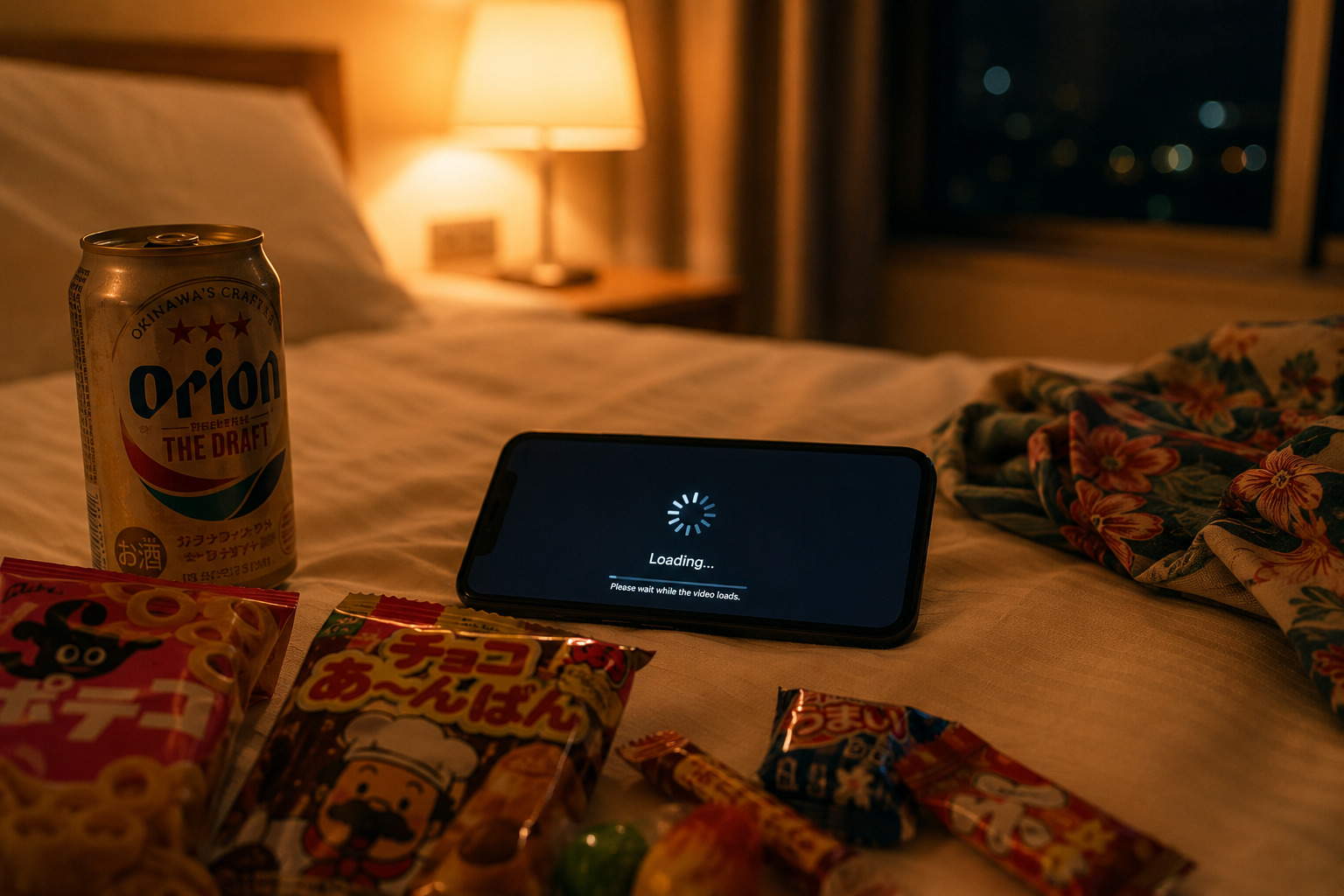
Most hotels in Okinawa offer WiFi. But WiFi often becomes slower between 8 PM and 11 PM.
- Videos may buffer or stop
- Booking pages may load slowly
- Maps may take longer to load
Take a deep breath. This is common in Okinawa. This guide will help you stay calm and handle the situation.
1. Why Hotel WiFi Feels Slow in Okinawa
● Hotel equipment is often old
Many hotels use old routers. The internet line is sometimes weak for many rooms. At night, many guests use WiFi at the same time.
● Resort hotels have large areas
Okinawa resorts have wide grounds. WiFi may not reach rooms far from the lobby. Cottage-style rooms often have weak signal.
Expensive hotels do not always mean fast WiFi.
2. Real Situations You May Experience
- Weak signal on the bed, but strong near the window
- Fast in the morning, slow at night
- Strong in the lobby, weak in the room
● Zoom may disconnect, but LINE calls usually work
Zoom may disconnect when the signal is weak. But simple calls like LINE usually work fine.
● Some hotels do not offer 5GHz WiFi
Some hotels do not offer 5GHz WiFi. They only offer 2.4GHz, which can become slower when many guests are connected.
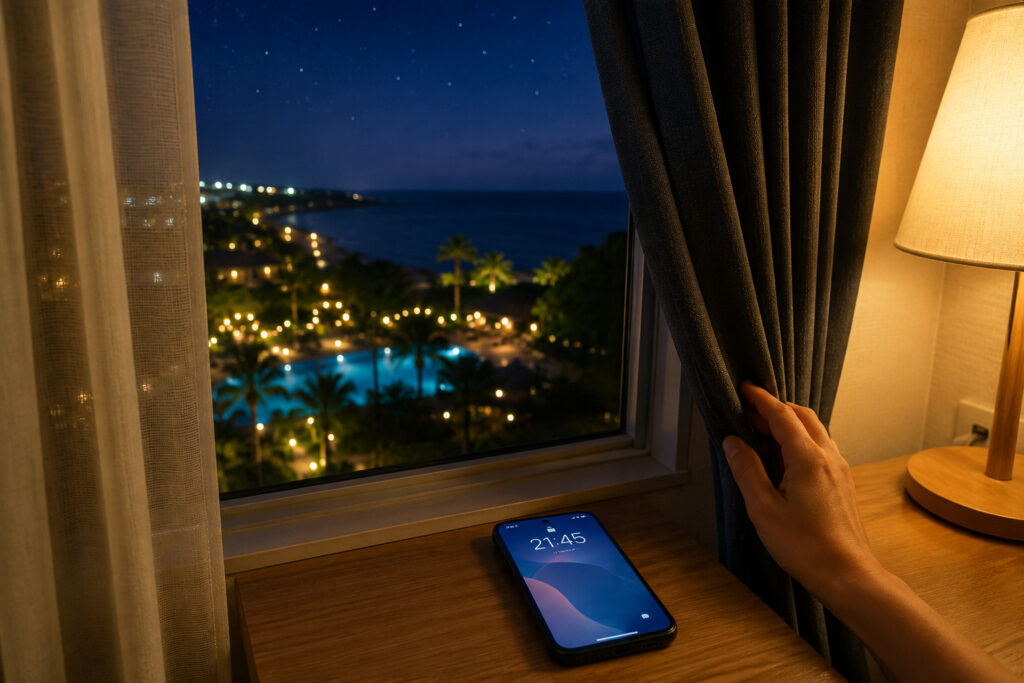
● Rooms near the window get better signal
Rooms often get better signal near the window. Opening the blackout curtain a little may help.
3. Simple Ways to Improve Your Hotel WiFi
● Try these steps first
- Put your phone near the window
- Open the blackout curtain a little
- Switch between 2.4GHz and 5GHz
- Try the lobby or shared space
● If it still does not work
- Tell the front desk your room has weak WiFi
- You may get a different room
4. Common Misunderstandings About Hotel WiFi
- Expensive hotels do not always have fast WiFi
- New hotels do not always have strong WiFi
- City hotels are not always stable
- WiFi reviews are often subjective
If you expect WiFi to be imperfect, your trip will feel much easier.
5. Do Not Rely Only on Hotel WiFi
● Before you leave your home or hotel
- Download offline maps
- Save a screenshot of your hotel address
- Save pins for tomorrow’s destinations
👉 5 Things to Download Before You Leave Your Hotel
● During your trip
- Use an eSIM, SIM card, or pocket WiFi
- Carry a power bank
👉 Okinawa Internet Guide: WiFi, eSIM, and SIM Cards
6. Slow WiFi Is Not Only Your Room
WiFi often becomes slower between 8 PM and 11 PM. It is usually faster in the morning. This happens in many tourist areas in Japan.
Knowing this helps you feel more relaxed.
7. Useful Things to Do When WiFi Is Slow at Night

Slow WiFi at night can be a good time to quietly get ready for tomorrow.
- Save offline maps
- Check your hotel address screenshot
- Save the rental car return location
- Check tomorrow’s weather
- Check opening hours of places you will visit <span style=”font-size:90%;”>(Many shops in Okinawa close early, so check them while your WiFi works.)</span>
👉 Okinawa Snack Guide: [Fun Snacks for Hotel Time: Donki Dagashi Pack Review] 👉 Okinawa Rainy Day Guide: [How to Enjoy a Quiet Hotel Day in Okinawa]
8. Summary: Hotel WiFi Works, but It Is Not Perfect
- Most hotels offer WiFi
- WiFi often becomes slower at night
- Adjusting your expectations makes your trip easier
- With a little preparation, WiFi problems are usually manageable
Helpful Guides for Your Trip
👉 5 Things to Download Before You Leave Your Hotel in Okinawa
👉 What Happens If You Lose Internet in Okinawa?
👉 What to Do If Google Maps Stops Working in Your Okinawa Rental Car


コメント