A Simple Guide for Travelers
- Imagine this:
- 1. Conclusion: Losing Internet in Okinawa Is Normal
- 2. Why Internet Drops in Okinawa
- 3. Problems You May Face When Internet Stops
- 4. What NOT to Do (Important)
- 5. First Actions When Internet Stops
- 6. Offline Preparation Before You Go Out
- 7. Situations Where Signal Becomes Weak
- 8. Other Options
- 9. Three Things to Do Before Driving North
- 10. Summary
- Helpful Guides for Your Trip
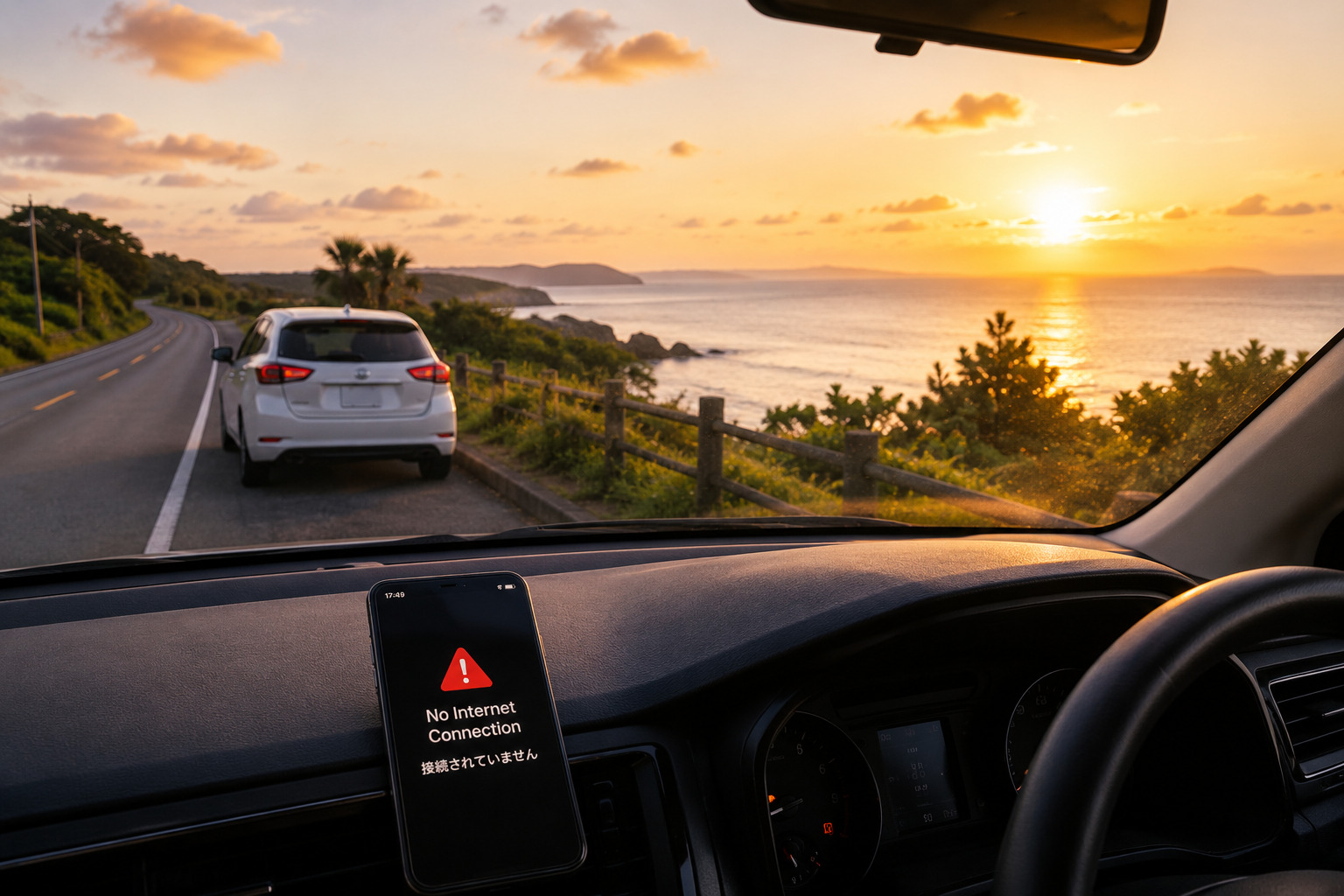
Imagine this:
You are driving in northern Okinawa. Google Maps stops loading. You do not know which way to turn. Your hotel check‑in time is getting close.
This can happen in Okinawa, especially in some parts of the north.
1. Conclusion: Losing Internet in Okinawa Is Normal
Okinawa is not a big city with perfect mobile coverage. Mountains, sea, and forests are very close. Some areas have weak signal.
But do not worry. With simple preparation and calm action, your trip will be fine.
2. Why Internet Drops in Okinawa
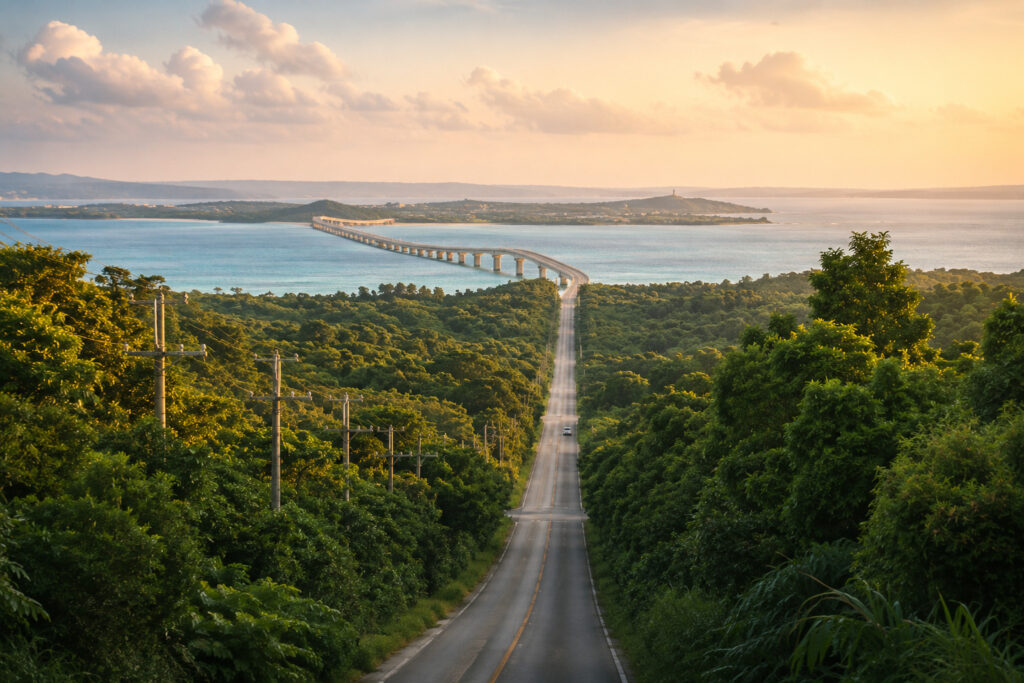
● Geography
- Mountain areas
- Forest areas (Yanbaru)
- Sea cliffs
- Long bridges (Kouri, Sesoko)
● Hotel Buildings
- Thick concrete walls
- Room corners may have weak signal because of windows and building structure
→ Sometimes the bed area has no signal, but the window area does.
● Busy Hours
During busy hours, such as lunchtime or late evening, internet speeds may become slower.
3. Problems You May Face When Internet Stops
- Google Maps stops
- The rental‑car GPS may be outdated or difficult to use
- You cannot find your hotel
- Translation apps do not work
- QR payment apps may not open
- Children cannot watch videos. For some families, this can feel more stressful than the signal problem itself.
💡 Small Tip
Some local shops accept cash or Edy only. Keep a small amount of cash in your pocket.
4. What NOT to Do (Important)
- ❌ Do not use your phone while driving
- ❌ Do not make a quick U‑turn
- ❌ Do not open the app again and again
- ❌ Do not panic
Stop the car safely and take a breath.
5. First Actions When Internet Stops
- Stop the car in a safe place
- Restart your phone
- Turn airplane mode on → off
- Switch eSIM carrier if possible
- Place your phone near the window
- Try convenience‑store or café Wi‑Fi
- Refresh your location on Google Maps
- If you are unsure, asking a nearby local can often help
6. Offline Preparation Before You Go Out
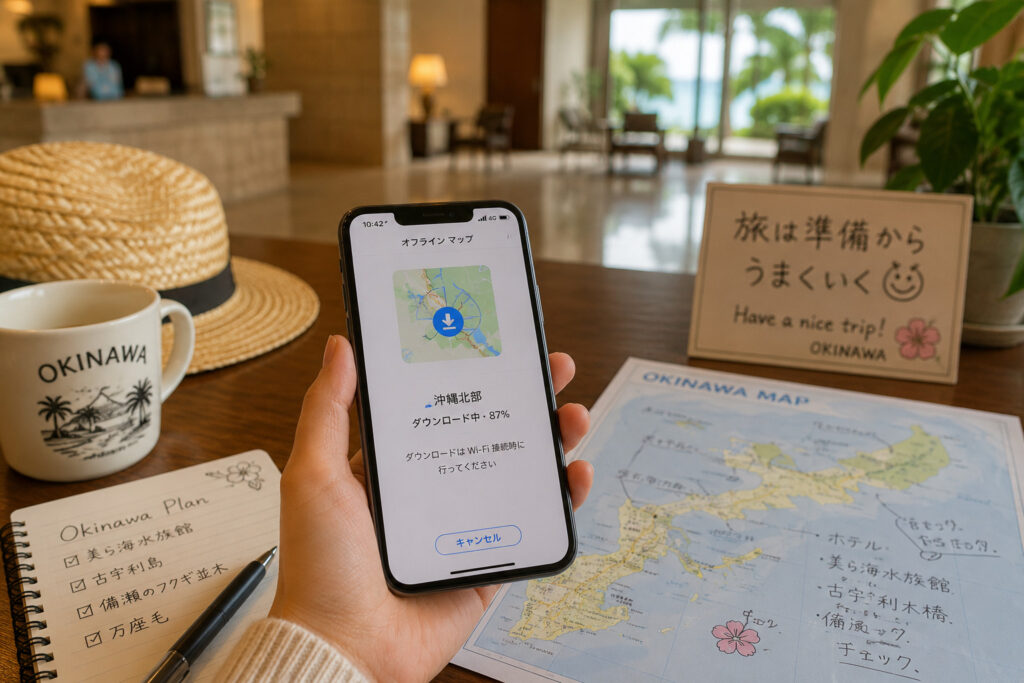
- Download Google Maps offline
- Save a screenshot of your hotel address
- Download offline dictionaries
- Save booking details as PDF
- Save emergency contacts in a memo app
Important
Offline maps do not show:
- Walking routes
- Review search
Small Advice
Prepare these items while you still have hotel Wi‑Fi.
👉 Related Article: 5 Things to Download Before Leaving Your Hotel
7. Situations Where Signal Becomes Weak
- Surrounded by mountains
- Deep forest areas
- Long bridges
- Sea cliff roads
- Deep inside large hotels
- Window type or building structure blocks signal
These “situations” are more useful than remembering exact spots.
8. Other Options
- Use the car’s built‑in GPS
- Ask the hotel for a paper map
- Use free Wi‑Fi at cafés or convenience stores
- Use eSIM + pocket Wi‑Fi if needed
9. Three Things to Do Before Driving North
Northern Okinawa has many areas with weak signal.
- Download maps before leaving your hotel
- Save your hotel address
- Do not depend on live navigation all day
I have also experienced Google Maps loading very slowly in northern Okinawa. These three steps made my trip much easier.
10. Summary
Okinawa is not a city built around perfect mobile coverage. But a little preparation can make your trip much more comfortable.
Most internet problems in Okinawa last only a short time. With simple steps, they rarely become a serious problem.
I hope your trip feels safe, calm, and comfortable.
Helpful Guides for Your Trip
Before You Start Your Day
👉 5 Things to Download Before You Leave Your Hotel in Okinawa
If Google Maps Stops While Driving
👉 What to Do If Google Maps Stops Working in Your Okinawa Rental Car


コメント