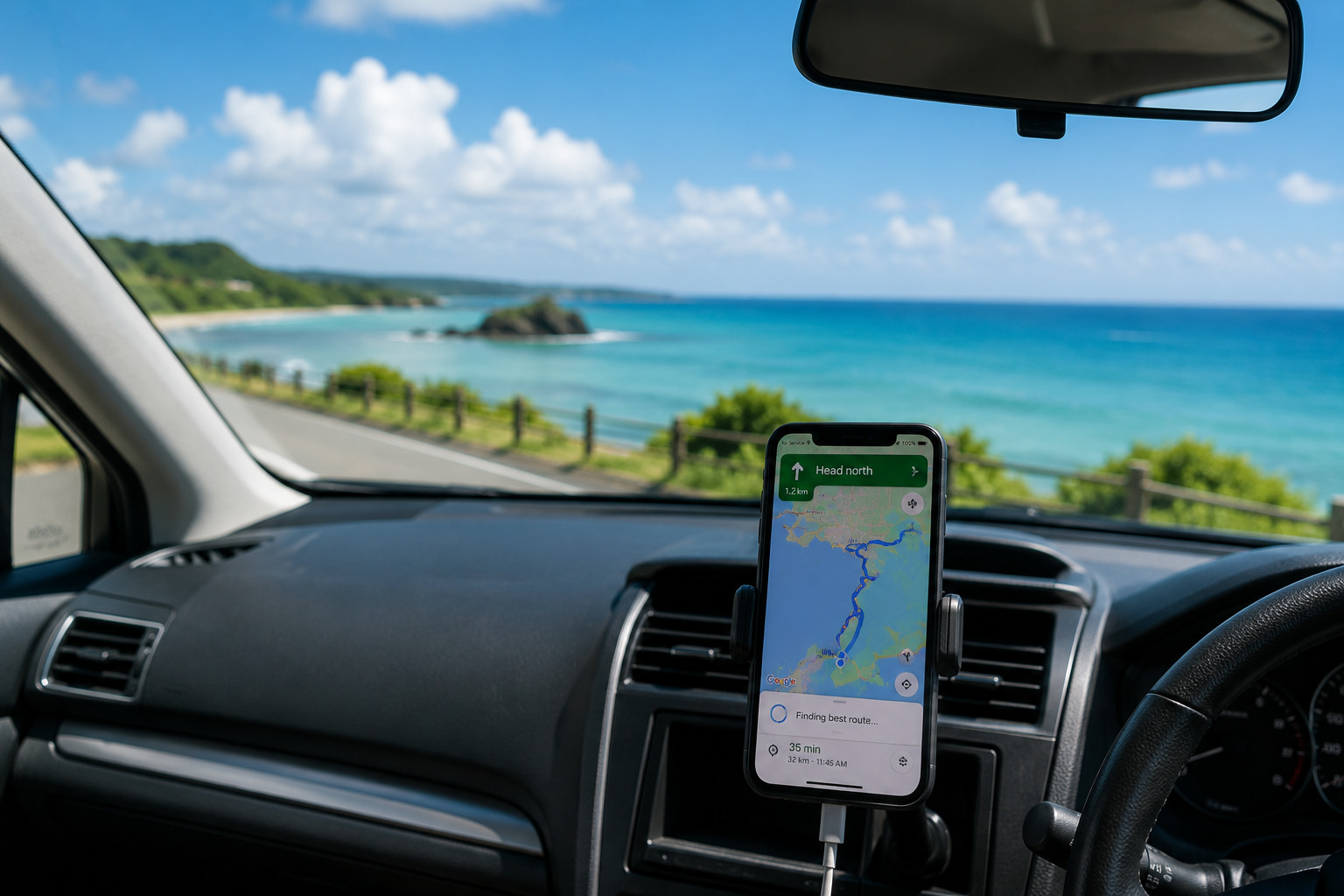
- 0. Google Maps Can Stop in Okinawa
- 1. Stay Calm and Do Not Touch Your Phone While Driving
- 2. Try These Three Simple Fixes First
- 3. If It Still Doesn’t Work, You May Be in a Weak Signal Area
- 4. Use Google Maps Offline
- 5. Use Your Car Navigation System (MAPCODE Is Very Helpful)
- 6. When Signal Returns, Remember Only the Next Turn
- 7. Stop at a Rest Area to Find Better Signal
- 8. Ask for Help (It Is Normal in Okinawa)
- 9. How to Prevent Google Maps Problems
- 10. Summary: Most Signal Problems Are Temporary
- Helpful Guides for Your Trip
0. Google Maps Can Stop in Okinawa
Sometimes Google Maps stops loading while you are driving in Okinawa. This does not mean your phone is broken.
Signal can be weak in:
- Coastal roads
- Northern mountain areas
- Long bridges
- Around large hotel buildings
Take a breath. This guide will help you stay calm and safe.
1. Stay Calm and Do Not Touch Your Phone While Driving
Do not touch your phone while driving. It is dangerous and unsafe.
Move to a safe place first:
- A convenience store
- A roadside station
- A safe parking space
You have time. There is no need to rush.
2. Try These Three Simple Fixes First
After stopping your car, try these steps:
- Restart the Google Maps app
- Turn airplane mode ON, then OFF
- Hold your phone near the window for better signal
These simple steps fix the problem in many cases.
3. If It Still Doesn’t Work, You May Be in a Weak Signal Area
Google Maps often stops because the signal is weak. This is common in:
- Northern Okinawa
- Coastal roads
- Bridges
- Around large hotel buildings
Your phone is not the problem. Move a little, and the signal may return.
4. Use Google Maps Offline
Offline maps help you even with no signal.
You can still:
- See the roads
- See your current location
But you cannot:
- Search for places
- Use walking routes
GPS works without internet. It can show your location even in offline mode.
If you did not download offline maps, save your hotel area and main destinations when you next find Wi‑Fi or signal.
👉 5 Things to Download Before You Leave Your Hotel in Okinawa
5. Use Your Car Navigation System (MAPCODE Is Very Helpful)
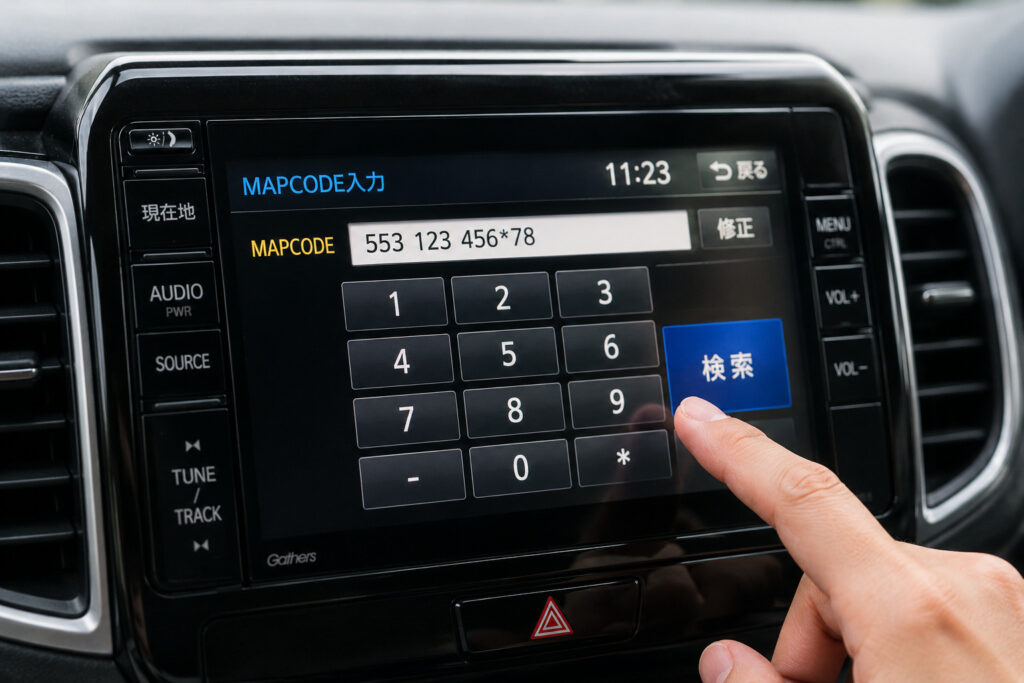
Japanese car navigation systems can be hard to use. Typing Japanese addresses is difficult for travelers.
MAPCODE makes it simple. It is a unique number code for each destination. You can enter numbers only, with no Japanese needed.
MAPCODEs for many popular places, including Churaumi Aquarium and Kouri Island, are easy to find online.
You can also find MAPCODE on:
- Rental car company information sheets
- Official websites of tourist spots
Save MAPCODE screenshots before you drive. Your car navigation will help even if Google Maps stops. Many rental cars in Okinawa still use MAPCODE every day.
6. When Signal Returns, Remember Only the Next Turn
If Google Maps comes back for a moment, use that short time wisely.
Check:
- The general route to your hotel
- The next intersection
- The next turn you must take
Remember only one point. This reduces the chance of getting lost.
7. Stop at a Rest Area to Find Better Signal
After leaving a weak-signal area, you may find a stronger connection at a rest area.
You can often find better signal in places like:
- Roadside stations with blue signs (Michi-no-Eki)
- Rest areas with large parking spaces
You can stop safely and wait for the signal to return.
8. Ask for Help (It Is Normal in Okinawa)
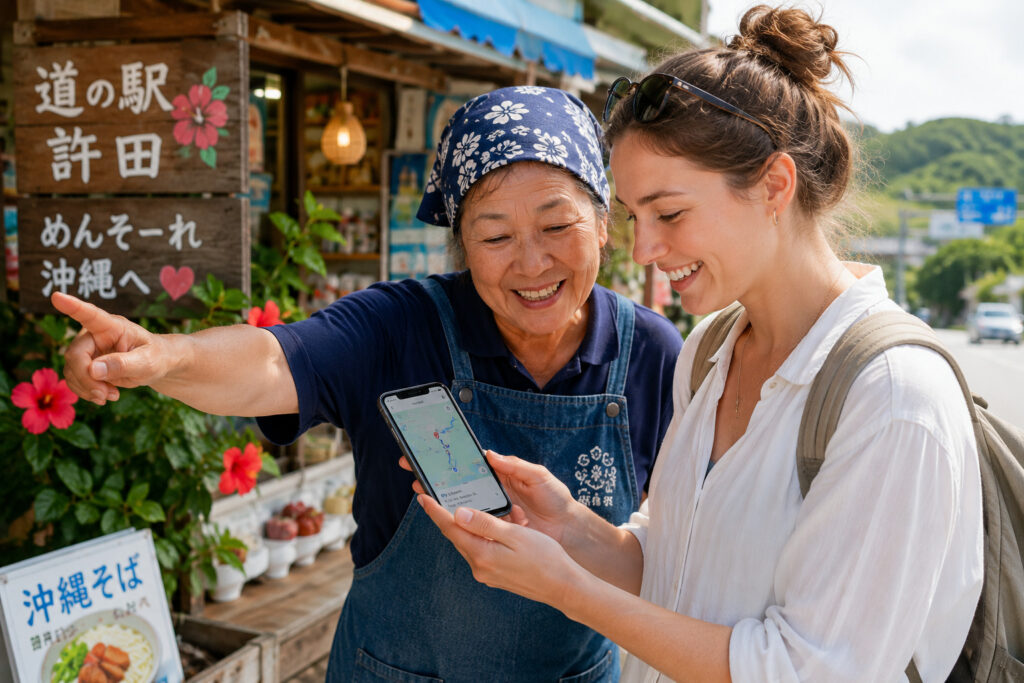
Asking for directions is normal in Okinawa. Many Okinawa locals are friendly and willing to help.
Show your hotel screenshot to a local person and point to these simple phrases:
“Excuse me, I’m trying to get to this hotel.”
(すみません、このホテルへ行きたいです)
“Is this the right way?”
(この道で合っていますか?)
These short phrases work very well.
9. How to Prevent Google Maps Problems
Before leaving your hotel, prepare these items:
- Download offline maps
- Save your hotel address screenshot
- Save destination pins
- Charge your phone and bring a power bank
👉 Okinawa Internet Guide: Wi‑Fi, eSIM, and SIM Cards 👉 Weak Signal in Northern Okinawa: What You Should Know
10. Summary: Most Signal Problems Are Temporary
Google Maps may stop in Okinawa, but the problem is usually temporary.
If you stay calm and stop in a safe place, you can continue your trip without stress.
It is always safer to stop and check than to keep driving while confused.
Helpful Guides for Your Trip
👉 5 Things to Download Before You Leave Your Hotel in Okinawa
👉 What Happens If You Lose Internet in Okinawa?
👉 Can You Travel Okinawa Using Only Free Wi-Fi?
👉 Why Hotel WiFi Feels Slow in Okinawa (And What to Do About It)


コメント